
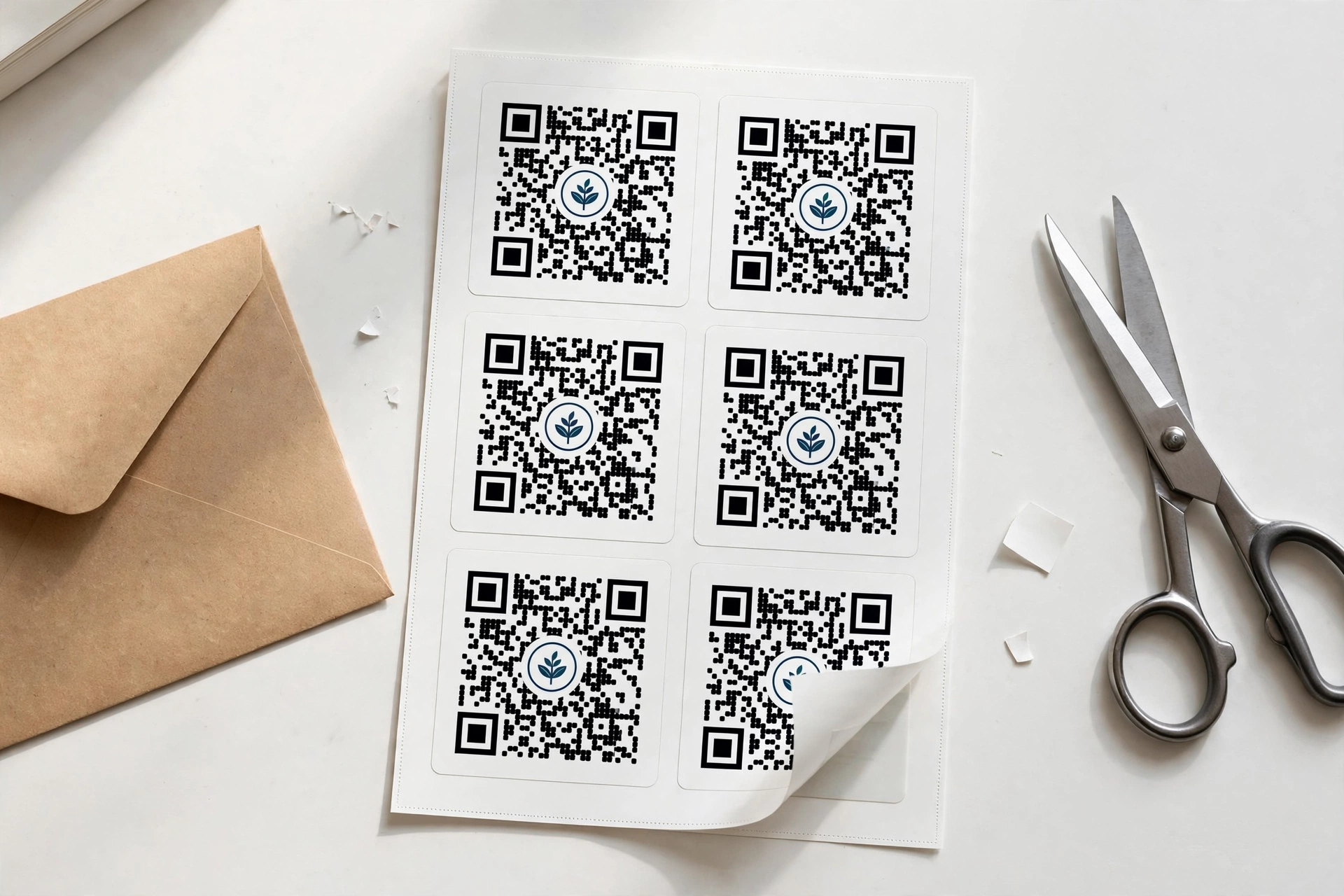
A qr code generator with logo turns plain black-and-white squares into branded codes that customers actually trust. Instead of designing them one by one, this free tool builds up to 500 QR codes in a single batch, places your logo in the center of every code, and downloads the whole set as PNG, SVG, PDF or one ZIP file. No signup, no watermark, and your data never leaves your browser.
Input QR Code Data
0 Entries EnteredQR Code Preview
Add up to one line of additional text.
No signup | No watermark | Data stays in your browser
How to make bulk QR codes with your logo
- Paste your list. Enter one link, text or code per line, or upload a CSV file with your data. Each row becomes one QR code.
- Open Advanced Settings and click the Logo upload option, then choose your logo image with Select Image.
- Size the logo so it stays small in the center of the code. A smaller logo scans more reliably.
- Click Generate and preview the batch.
- Download each code as PNG, SVG or PDF, or grab everything at once as a ZIP file.
Why add a logo to a QR code
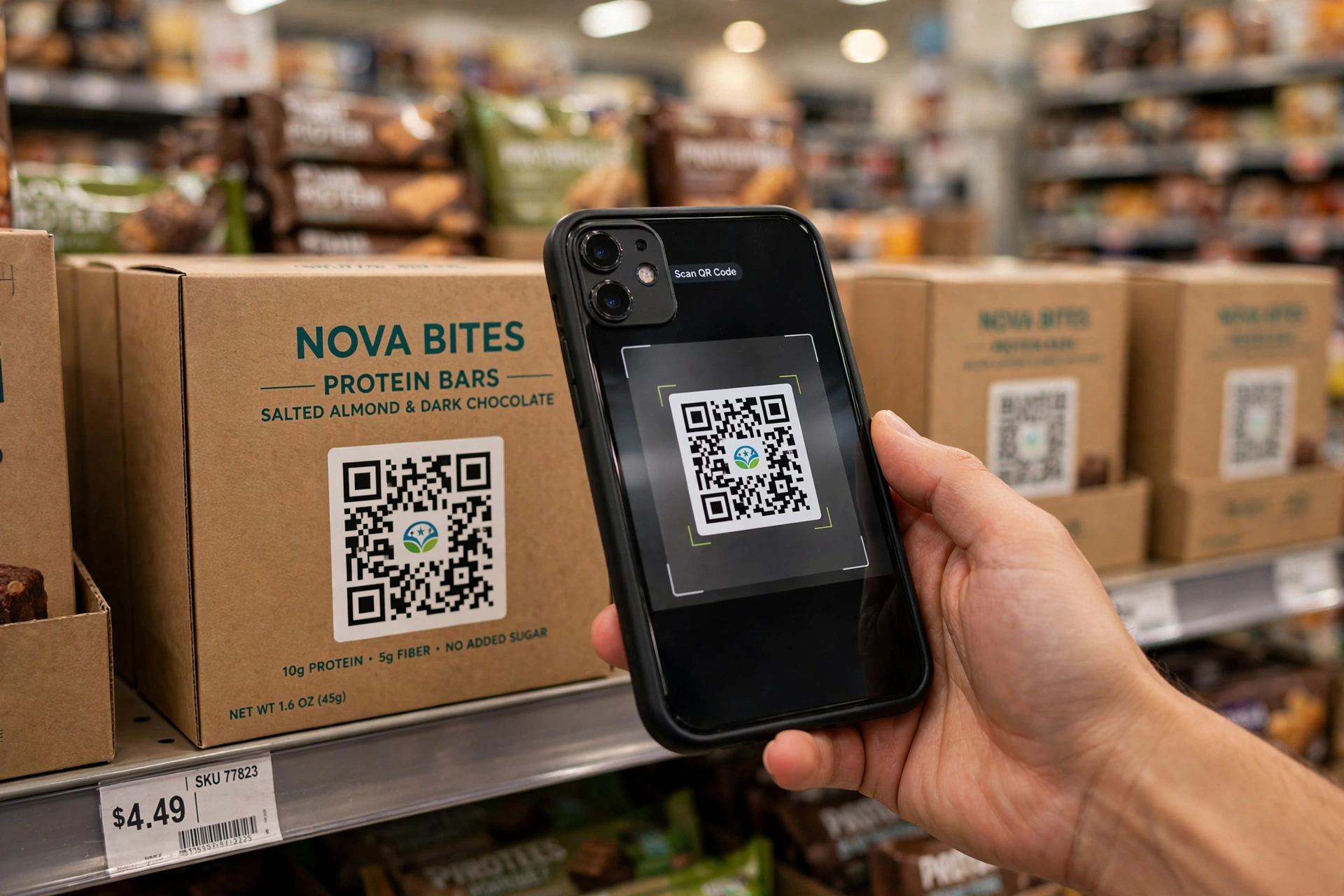
A plain QR code works, but it looks the same as everyone else’s. A logo in the center tells the person scanning that the code belongs to your brand, which matters on packaging, menus and flyers where trust decides whether someone points their camera at it. Businesses also use branded codes to keep every touchpoint consistent, from the shipping box to the receipt. Because the logo sits on top of the code’s error-correction area, a well-sized logo does not stop the code from scanning. For one-off codes, the bulk QR code generator handles the same job without the logo step.
Where branded bulk QR codes get used
| Use case | What each code carries |
|---|---|
| Retail packaging | Product page, manual or warranty registration link |
| Restaurants and cafes | Menu, review page or Wi-Fi login per table |
| Events | Ticket verification or agenda link per attendee |
| Business cards and flyers | vCard, portfolio or booking link |
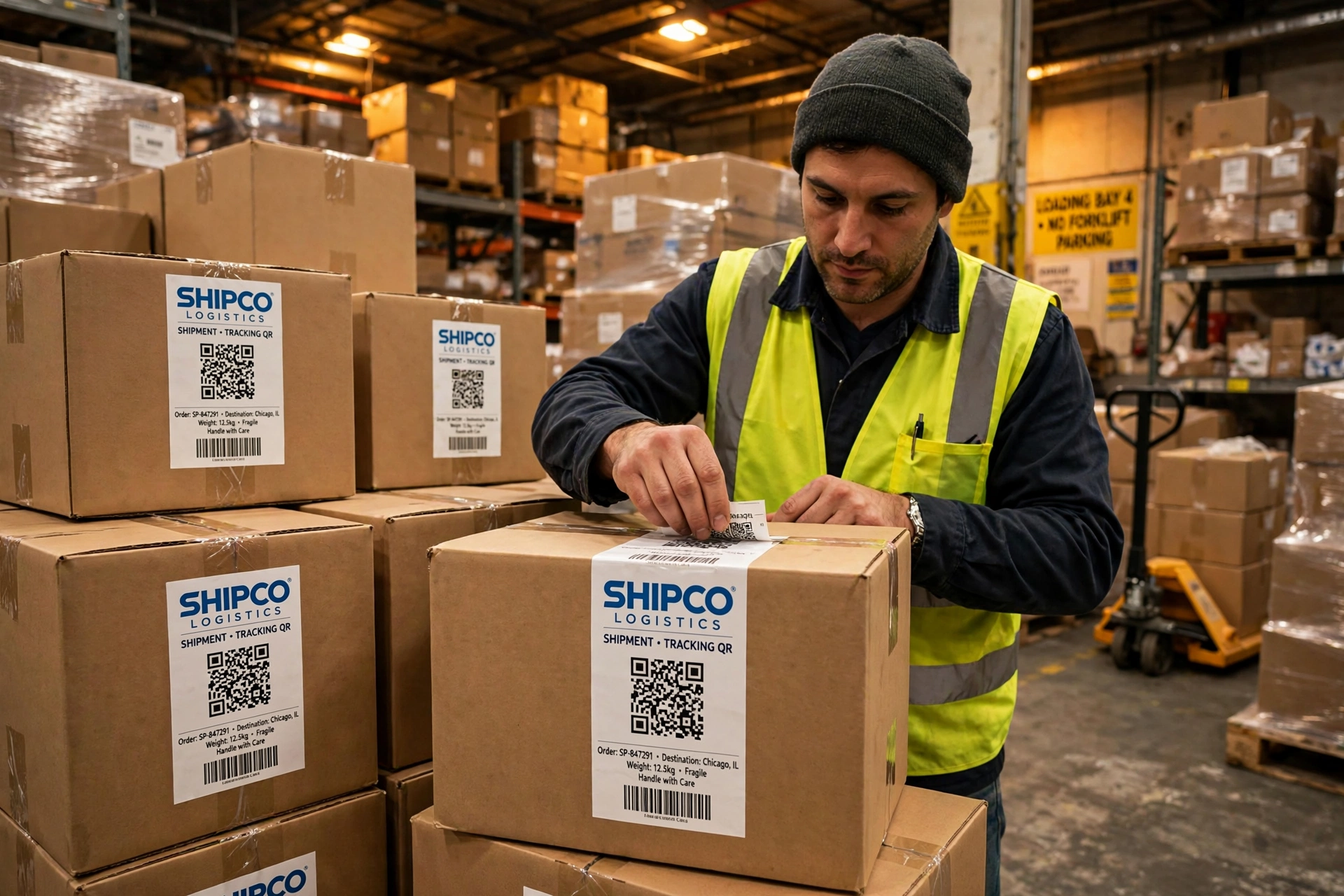
| Warehouse and logistics | Tracking or bin location codes on cartons |
| Invoices and receipts | Payment link or feedback form |
Making hundreds of these by hand takes hours. A batch tool does it in minutes, with the same logo on every code. If your data lives in a spreadsheet, you can generate barcodes from Excel directly, and our guide on how to print barcode labels at home covers the printing side.
Logo size and scannability rules
Four rules keep logo QR codes reliable:
- Keep the logo small. It should cover only the center of the code, never the three corner squares that scanners use to find the code.
- Keep contrast high. Dark code on a light background scans best; avoid light codes on dark backgrounds.
- Leave the quiet zone alone. The blank margin around the code is part of the code, so do not crop it or let the logo spill into it.
- Test before you print. Scan one finished code with both an iPhone and an Android phone before printing hundreds.
What makes this bulk logo QR tool different
| This tool | Typical single-code tools | |
|---|---|---|
| Codes per batch | Up to 500 | One at a time |
| Logo on every code | Yes, free | Often paywalled |
| Download | PNG, SVG, PDF or ZIP | Single file only |
| Signup | None | Often required |
| Watermark | None | Common on free tiers |
Retailers preparing for GS1 Sunrise 2027 can use branded QR codes on packaging today while keeping standard barcodes for checkout. The free bulk barcode generator remains the fastest route for standard linear codes.
Related tools
Is this QR code generator with logo really free?
Yes. You can generate up to 500 QR codes with your logo per batch at no cost. There is no signup, no watermark and no download limit on the free tool.
Will my QR code still scan with a logo in the middle?
Yes, as long as the logo stays small and centered and does not cover the three corner squares. QR codes include error correction that tolerates the covered area. Always test-scan one code on two different phones before printing a large batch.
What kind of logo image should I upload?
Use a clear, square logo. A file with a transparent background looks cleanest on the code, and a simple mark reads better at small sizes than a detailed illustration.
How many QR codes can I generate at once?
Up to 500 per batch. Paste one value per line or upload a CSV, and each row becomes one QR code with your logo applied to all of them.
Which file formats can I download?
Each code downloads as PNG, SVG or PDF, and you can download the entire batch as a single ZIP file, which is handy for print runs.
Do I need to create an account?
No. The tool works without signup, and your data stays in your browser while you generate the codes.
Can I use these branded QR codes for my business packaging?
Yes. They work for packaging, menus, labels, tickets and marketing material. If the codes will be scanned at a retail checkout, keep a standard EAN or UPC barcode for the till and use the QR code for everything else.
Branded codes look professional and get scanned more often, but only if you can make them at scale without paying per code. A qr code generator with logo that handles 500 codes per batch, keeps your data in the browser and downloads everything as a ZIP turns an afternoon of repetitive design work into a five-minute job.