
AI Self-Checkout Still Needs Barcodes: What to Know
Every few years someone predicts the death of the barcode. This week, the checkout industry gave the answer again: even artificial intelligence still scans barcodes.
At this week’s NACS Show in Las Vegas, Partner Tech demonstrated its newly certified AI self-checkout platform for fuel and convenience retailers. The timing matters: the NACS Show expo ran October 7 to 9, and it is one of the biggest stages for retail checkout technology. Here is what the announcement means for small retailers and why your products still need printed barcodes.
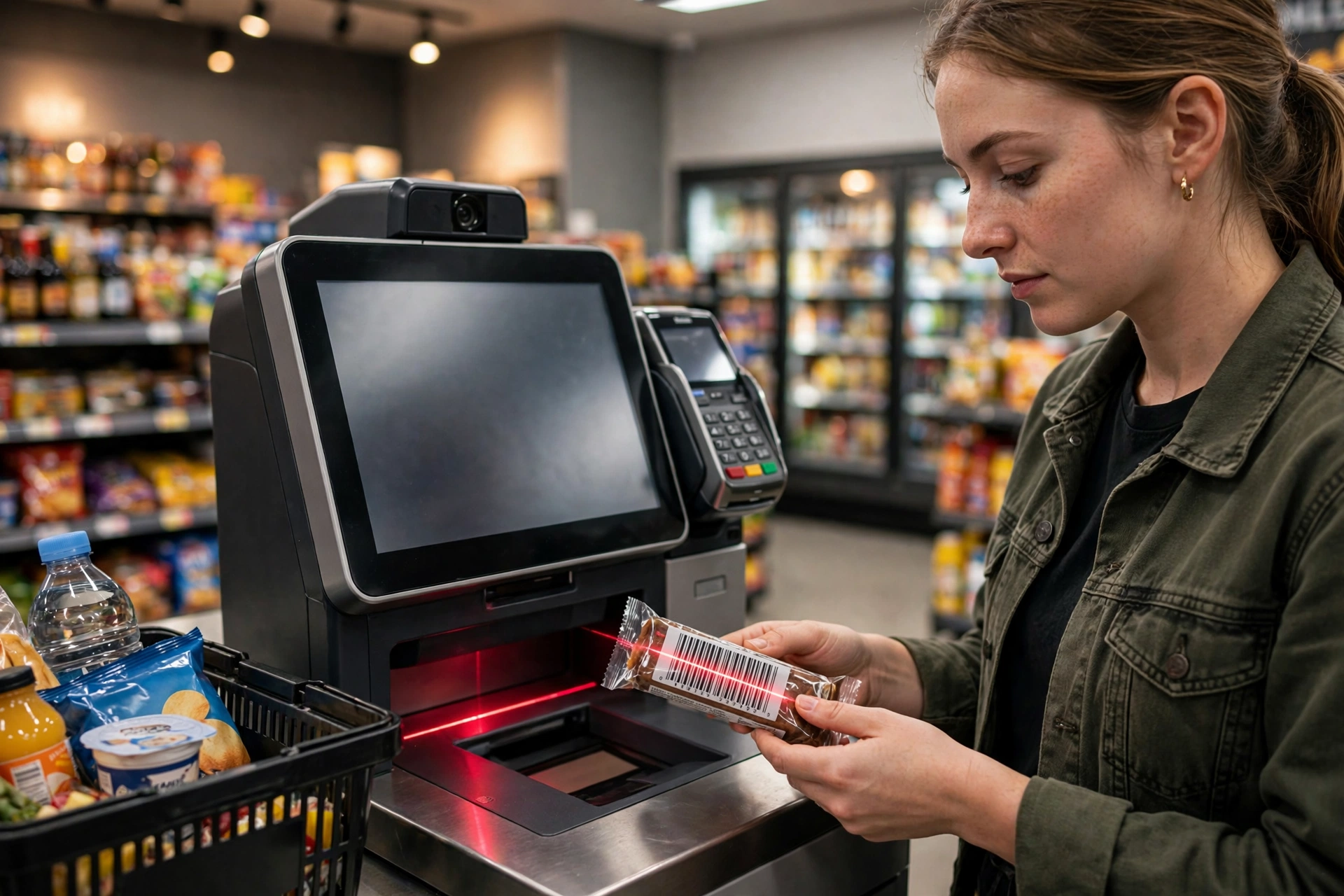
What happened at the NACS Show
On October 5, Partner Tech announced that its AI-powered self-checkout earned Verifone Commander certification. That certification matters because Verifone Commander is the site controller and POS platform used across a huge share of fuel and convenience stores in North America.
The certification clears the way for deployment across more than 55,000 fuel and convenience sites, roughly 45 percent of all US fuel and convenience stores. That number is the addressable market now open for deployment, not stores that already installed the terminals. Still, it is a major signal: one of the largest retail segments is about to get a new generation of checkout.
Partner Tech showed the certified solution at booth 6179 during the NACS Show expo, where attendees could try the AI-powered checkout platform themselves. The setup uses the Alfred, Starling and Paula self-checkout terminals running Partner Tech’s Otter SCO software suite.
The surprising detail: barcode scanning is a core feature
The announcement lists the platform’s key capabilities, and the first ones read like a barcode product sheet: barcode scanning and automatic item recognition with computer vision, AI theft detection, security scale, live video monitoring, and age verification.
Notice the order of ideas. Computer vision is there, but it sits next to barcode scanning, not instead of it. The newest AI checkout on one of the industry’s biggest stages does not replace the barcode. It layers intelligence on top of it.
That is not an accident. It comes down to three things barcodes do better than any alternative today: speed, cost and reliability.
Why AI terminals still reach for the barcode first
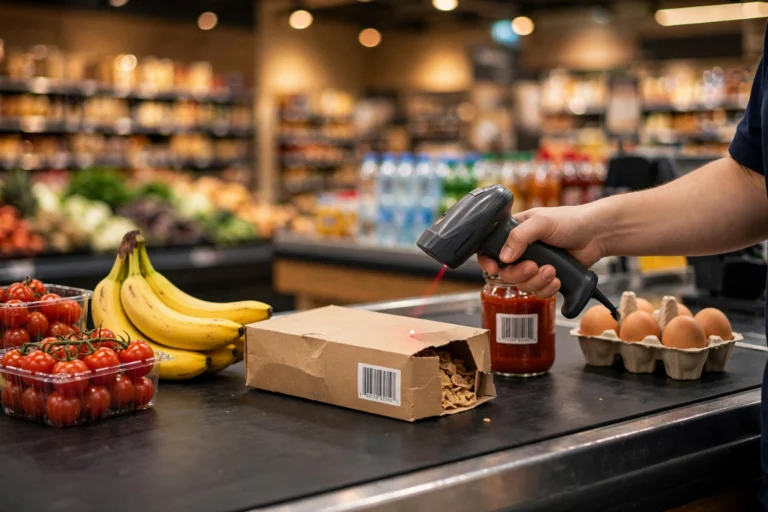
Speed. A printed barcode scan takes a fraction of a second. The laser or camera reads a code that was designed for one job: identifying an item instantly. Computer vision has to capture an image, run a model, and match it against a product database. That is impressive technology, but it is slower and more uncertain than reading a code built for speed.
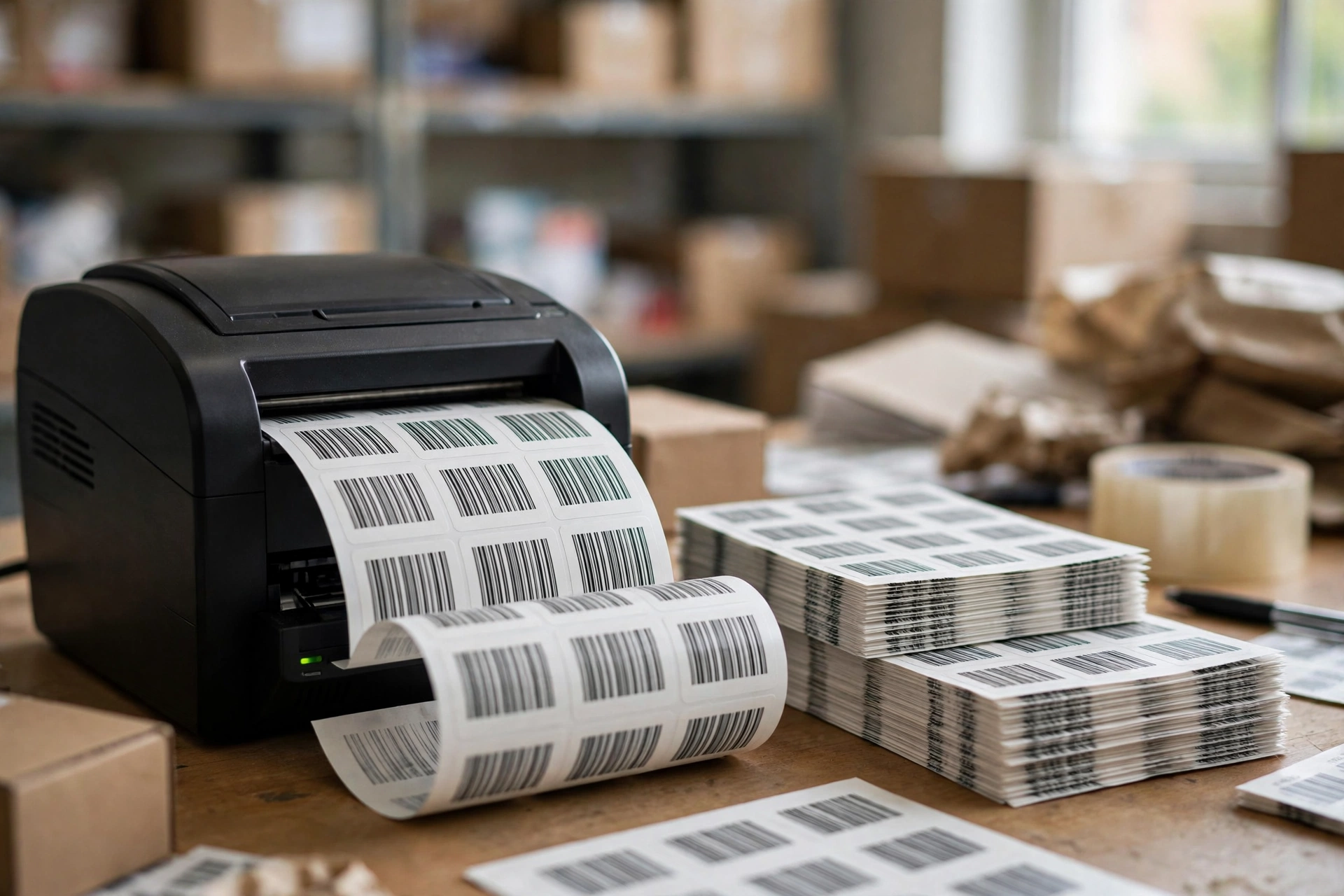
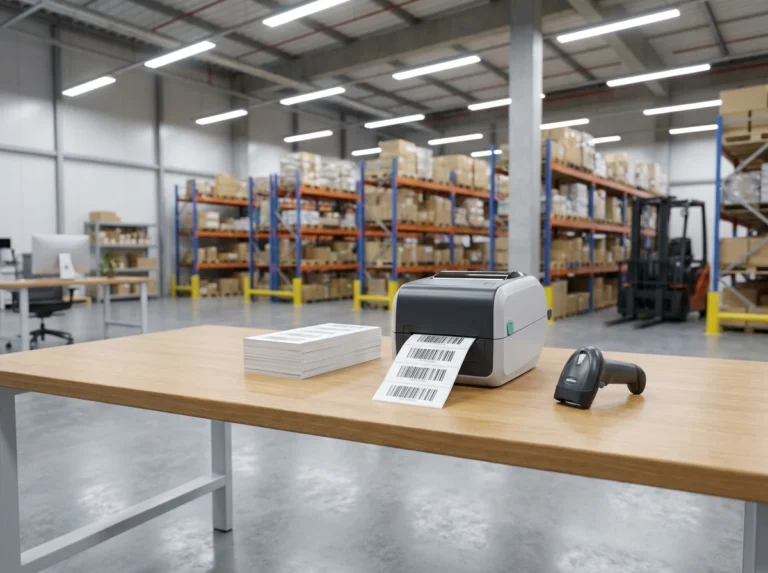
Cost. Printing a barcode label costs almost nothing. A roll of thermal labels and a basic printer puts scannable codes on every product in your store. Vision-based checkout needs cameras, processors and trained models at every terminal. For a small retailer, the math is not close.
Reliability. A barcode either scans or it does not. There is no guesswork. Vision systems depend on image quality, lighting and training data, and similar-looking products can confuse them. That is why the newest AI terminals keep the scanner: vision watches for fraud and handles unpackaged items, while barcodes handle the routine work with zero doubt.
A retail automation guide comparing the two approaches reaches the same conclusion: barcode scanning wins on simplicity and low cost, while AI recognition adds value on the loss-prevention and frictionless-experience side. The future of checkout is hybrid, not replacement.
What this means for small retailers
Two forces are hitting retail at the same time. AI self-checkout is spreading, and GS1 Sunrise 2027 is preparing point-of-sale systems to read QR-style 2D codes carrying GS1 Digital Link data alongside traditional EAN and UPC codes. We covered the Sunrise 2027 timeline in detail in our GS1 guide: it is a readiness milestone, not a ban on 1D barcodes, and dual marking is the recommended path.
For a small retailer, the practical takeaway is simple:
- Your 1D barcodes are safe. Every AI terminal announced this week scans them. Sunrise 2027 adds 2D capability to checkout systems; it does not remove 1D scanning.
- Print more codes now, not later. If you sell in stores adopting self-checkout, every product needs a clean, scannable code. Damaged or low-contrast labels are the main cause of checkout friction, and a self-checkout customer has no cashier to type the code manually.
- Standardize on the right symbology. Code 128 works well for internal inventory and shelf labels, while EAN-13 and UPC codes are the retail standards for products sold in stores. Retailers and Amazon require GS1-issued GTINs for registered numbers, so source your numbers properly and print them yourself.
Get self-checkout ready: print your barcodes in bulk
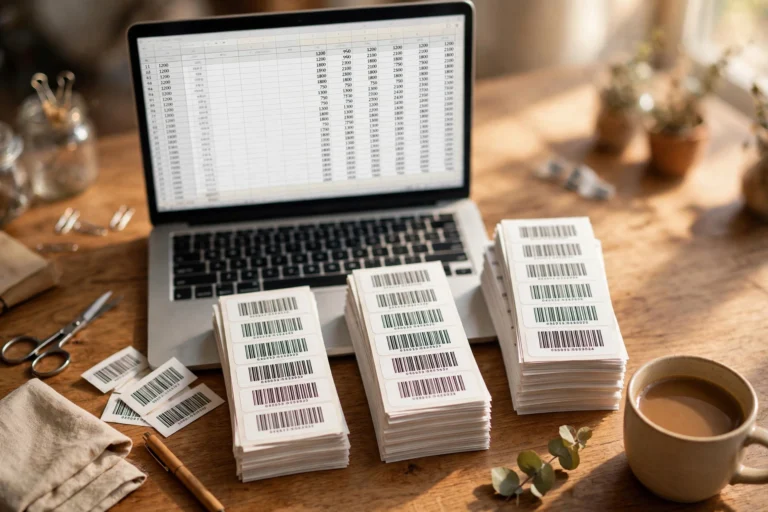
Whether you need fifty codes or five hundred, generating them one by one wastes time. A bulk approach is better: paste your product list or upload a CSV, generate the whole batch, and print on label sheets.
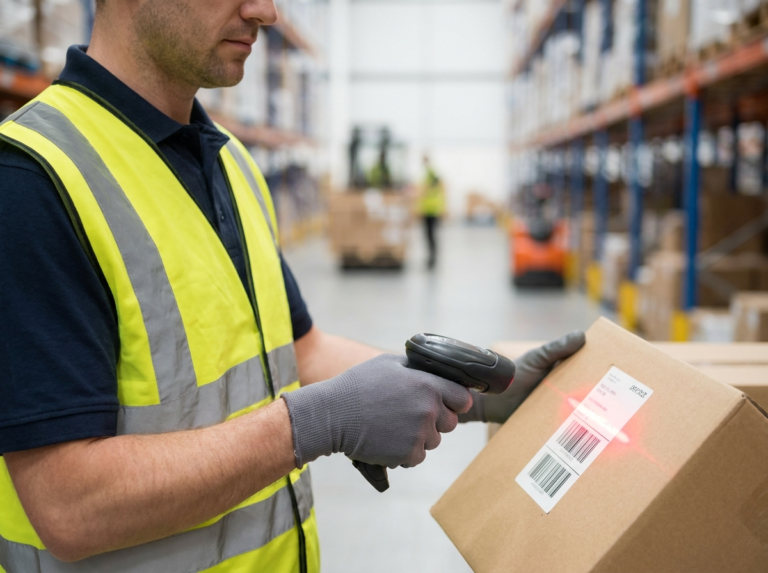
Start with a free bulk barcode generator to create your batch from a spreadsheet in one go. If you stock retail shelves, create Code 128 barcodes in bulk for internal labels or generate EAN-13 barcodes for products sold at checkout. Stores with warehouses can also generate barcodes for inventory tracking and keep shelf stock organized.
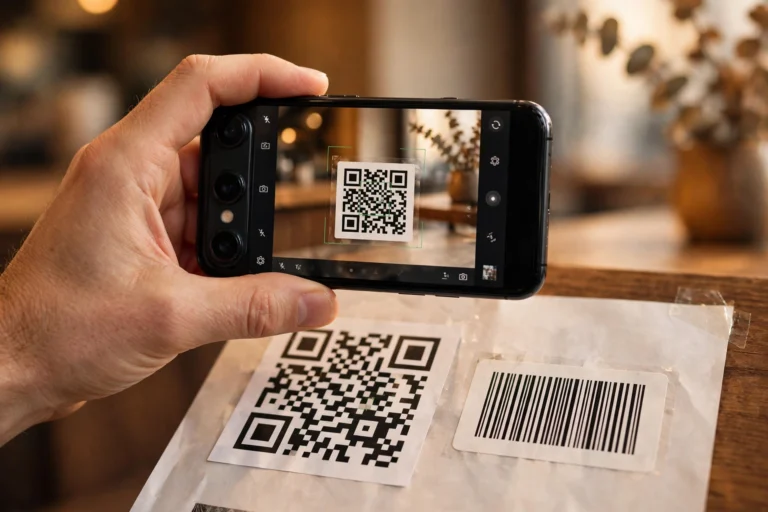
Then print on quality label sheets with deep black bars on clean white stock, test-scan every batch with a phone app, and keep the print heads clean. Most scan failures trace back to the label, not the scanner.
Will AI replace barcodes?
No. The newest AI self-checkout platforms list barcode scanning as a core capability alongside computer vision. Vision is layered on top of barcodes to add theft detection and handle unpackaged items, not to remove scanning. Barcodes remain faster, cheaper and more reliable for routine checkout.
Which barcode do retail stores use?
Retail stores use UPC codes in North America and EAN-13 codes internationally for products sold at checkout. Code 128 is common for internal inventory and shelf labels. Check what your retail partners require before printing.
How many barcodes do I need for a small store?
One unique barcode per product variant, not per unit. A store with 200 products needs 200 codes. Generate them in bulk from a spreadsheet, then print as many copies of each label as you have units.
One Comment