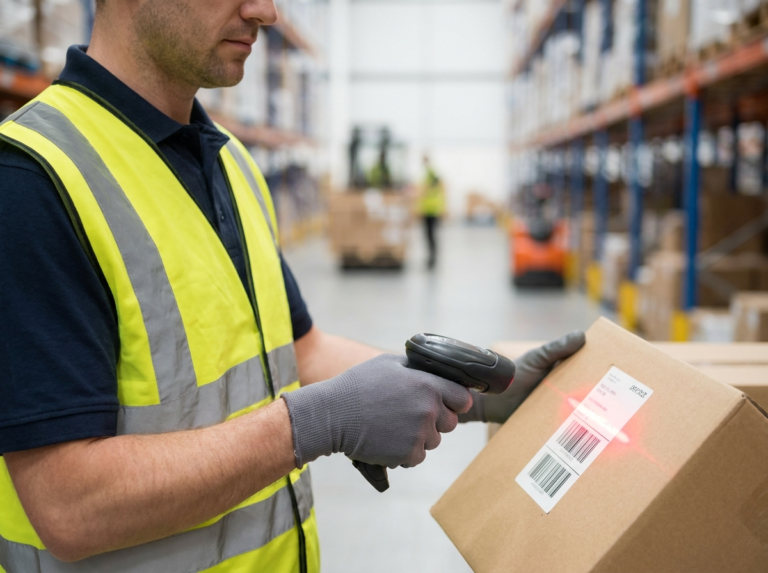
Ultimate Guide to Choosing and Using the Best Barcode Label Template
Whether you are running a retail storefront, managing a bustling warehouse, or organizing a personal collection, keeping track of stock manually is prone to human error. This is where a reliable barcode label template becomes an essential asset for your workflow. By standardizing your product tagging, you can speed up checkouts, improve supply chain visibility, and eliminate costly inventory discrepancies. In this comprehensive guide, we will explore why structured templates matter, how to select the right layout for your operational needs, and best practices for printing clear, scannable tags every single time.
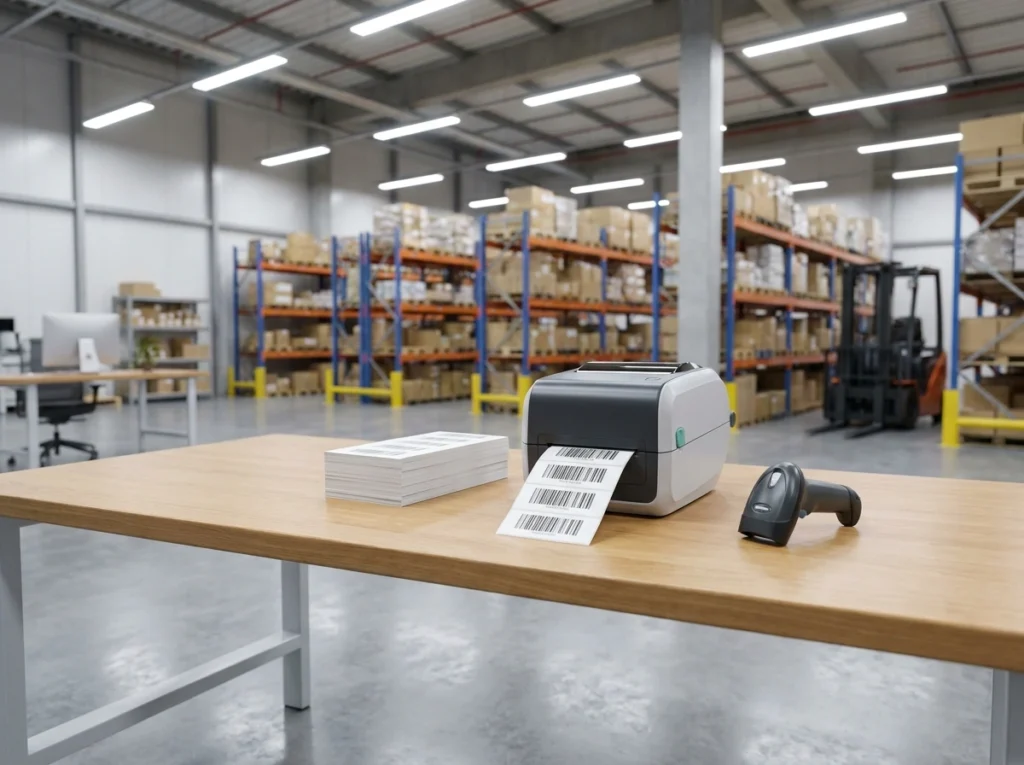
Why Every Business Needs a Standardized Barcode Label Template
Consistency is the backbone of any successful inventory management system. When multiple employees or departments create product tags independently, scanner errors and misread data inevitably follow. Using a unified layout ensures that every item in your catalog adheres to predictable spacing, sizing, and encoding standards.
The Hidden Costs of Poor Labeling
Without a professional design framework, businesses often run into several operational bottlenecks:
⚠️ Scanner Read Failures
Scanners struggle to read warped, cramped, or low-contrast barcodes, leading to frustrating delays.
💸 Wasted Materials
Printing misaligned labels on expensive sticker sheets results in continuous resource waste.
🏷️ Branding Inconsistencies
Messy or unprofessional tags diminish the perceived value of your products on retail shelves.
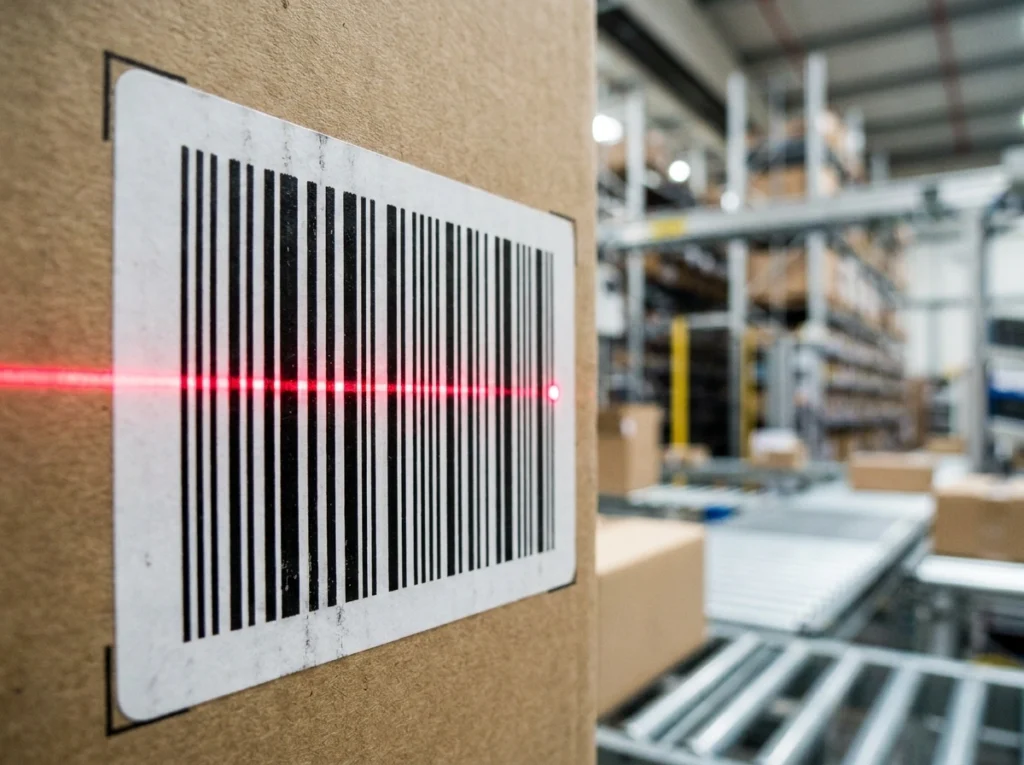
Essential Elements of an Effective Barcode Label
A high-performing product tag does more than just display a set of black-and-white lines. It serves as a complete informational unit for both human workers and automated scanners. When designing or filling out your layout, make sure it includes the following core components:
- The Barcode Symbology: Depending on your industry needs, use UPC, EAN, Code 128, or QR codes with clear quiet zones.
- Human-Readable Text: Always include the numerical digits or SKU underneath for manual entry if scanners fail.
- Product Title and Description: Short descriptors help warehouse workers quickly verify items without scanning each box.
- Pricing or Batch Numbers: Keeps customers informed and assists with strict quality control tracking.
How to Customize Your Barcode Label Template for Maximum Efficiency
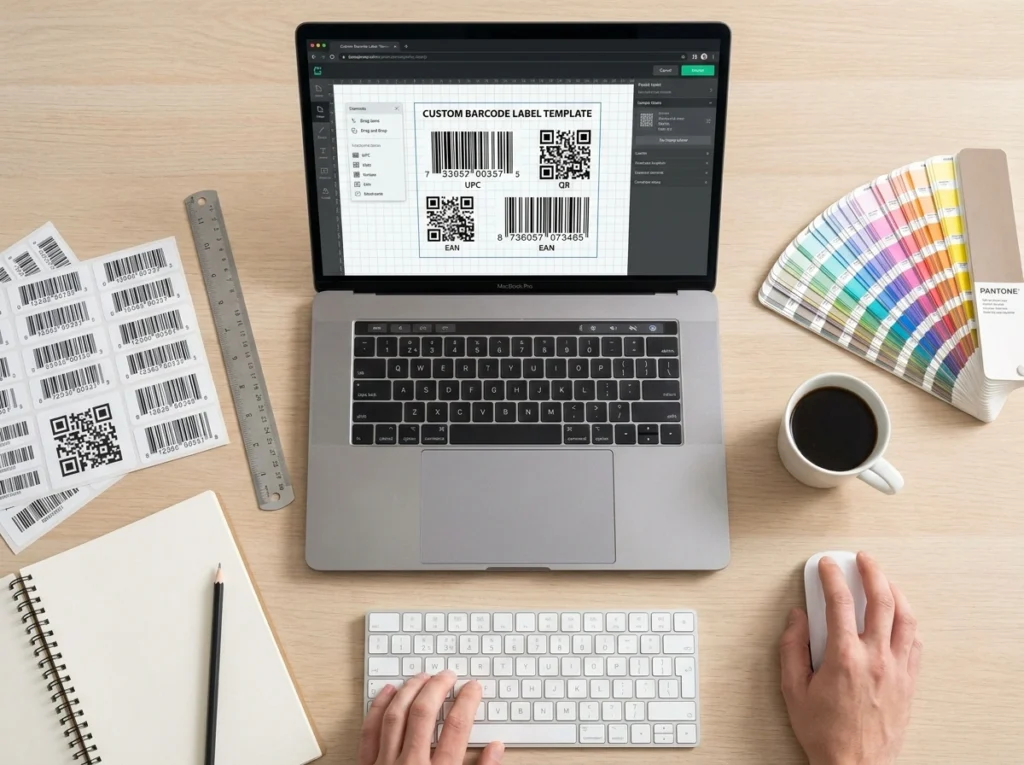
Every business has unique requirements based on product dimensions, storage conditions, and hardware capabilities. Customizing your document layout allows you to tailor the design to your specific operational ecosystem.
Software & File Formats
Build or modify layouts using Microsoft Word, Google Docs, or Canva. For bulk generation, connect spreadsheets (Excel/Sheets) to label software to auto-populate hundreds of items.
Material & Environment
Standard paper stickers work for indoor retail. For outdoor or moisture-heavy environments, synthetic polyester or weatherproof vinyl with resin ribbons prevent fading.
Best Practices for Printing and Applying Barcodes
Creating a great design is only half the battle; how you print and place the sticker dictates its real-world performance.
- ✓Calibrate Your Printer Resolution: Ensure your thermal transfer or inkjet printer is set to a high enough DPI to prevent pixelation or bleeding.
- ✓Maintain High Contrast: Stick to a classic black barcode on a pure white background to maximize light reflection readings.
- ✓Avoid Distortion: Lock aspect ratios when resizing to ensure laser or camera-based scanners can parse data accurately.
- ✓Strategic Placement: Apply tags to flat, smooth surfaces away from package seams or sharp folds.
Conclusion
Implementing a streamlined system for your product inventory does not have to be an overwhelming technical challenge. By utilizing a well-designed barcode label template, you save valuable time, reduce operational errors, and ensure seamless tracking from your storage facility all the way to your customers’ hands. Take the time to evaluate your hardware requirements, select a clean layout, and standardize your printing process today to watch your business efficiency soar.
Frequently Asked Questions
What software is best for editing a printable layout?
You can use simple tools like Microsoft Word or Google Docs for basic sheet printing, or dedicated inventory software and design suites like Canva and BarTender for advanced bulk generation.
Can I generate barcodes using a standard office printer?
Yes, standard inkjet and laser printers work well for indoor retail and office labeling. However, for high-volume industrial environments, thermal transfer printers provide much greater durability and smudge resistance.
What causes a scanner to reject a printed barcode?
Common culprits include insufficient “quiet zones” (blank space around the graphic), low color contrast, smudged ink, physical creasing over a package edge, or incorrect aspect ratio scaling during printing.