
QR Code vs Barcode: Which One Does Your Business Need?
Walk into any warehouse and you will see stripes. Look at any restaurant table and you will see squares. Both are machine-readable codes, both get called “barcodes” in casual conversation — and yet they are built for fundamentally different jobs.
Pick the wrong format and you pay for it: reprinted labels, scanners that cannot read your codes, customers who give up trying to scan. This guide explains how traditional 1D barcodes and QR codes differ, where each one wins, and how to generate either of them in bulk for free.
What Is a Traditional (1D) Barcode?
A traditional barcode — also called a linear or 1D barcode — stores data in a single row of parallel bars and spaces of varying widths. A scanner reads the pattern horizontally and decodes it into a short string of characters, usually an ID number.
Common formats include EAN-13 (13 digits) and UPC-A (12 digits) for retail packaging — required because point-of-sale systems are built around them; Code 128, the compact full-ASCII workhorse of shipping labels and warehouse bins; and niche formats like Code 39, ITF-14, Codabar, MSI, and Pharmacode.
The key limitation is capacity: a 1D barcode typically holds around two dozen characters — plenty for a product number or serial, since the code is just a key and the real data lives in your database. Scanning needs a clean print, white quiet zones on both sides, and a scanner aimed across the bars.
What Is a QR Code?
A QR (Quick Response) code is a two-dimensional barcode: instead of one row of bars, data is encoded in a grid of black and white squares. It was invented by the Japanese company Denso Wave in 1994 to track vehicle parts, and it went mainstream once smartphone cameras learned to read it natively.
The 2D structure changes everything about capacity: up to 7,089 numeric digits or 4,296 alphanumeric characters — hundreds of times more than a 1D barcode. Enough for a full website URL, WiFi credentials, a digital business card, or a paragraph of text, with no database lookup.
Four levels of built-in error correction keep QR codes readable with up to 30% of the code damaged or obscured, and three corner markers tell the scanner which way is up — so they scan from any angle.
QR Code vs Barcode: Head-to-Head Comparison
| Feature | 1D Barcode | QR Code |
|---|---|---|
| Data capacity | ~20–25 characters | Up to 4,296 alphanumeric characters |
| Typical content | ID numbers, SKUs, serial numbers | URLs, text, WiFi credentials, vCards, payment data |
| Scanner hardware | Laser scanners or linear imagers | Camera-based 2D imagers or smartphones |
| Scan orientation | Must be scanned across the bars | Readable from any angle (360°) |
| Damage tolerance | Low — a torn bar can break the read | High — readable with up to ~30% damage |
| Minimum print size | Small for short numbers | Needs to be larger as data content grows |
| Smartphone scanning | Requires a scanner app | Native in most camera apps |
| Industry standard for retail POS | Yes (EAN-13 / UPC) | Emerging (GS1 Digital Link) |
| Best for | Checkout, inventory IDs, shipping | Customer interaction, marketing, tickets |
How Scanning Works (and Why It Should Influence Your Choice)
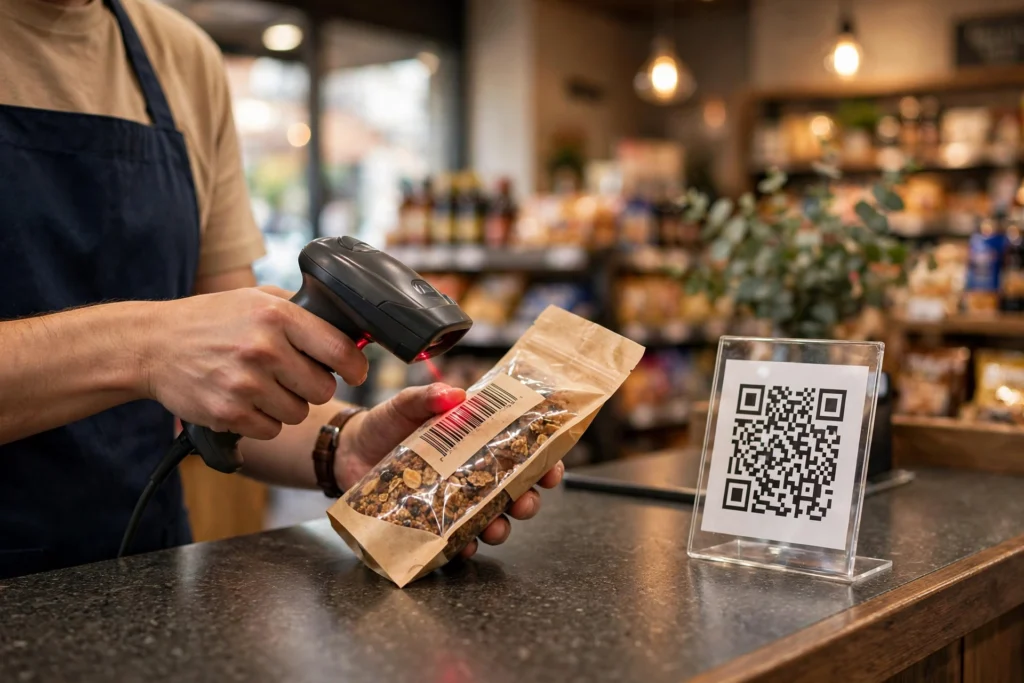
Hardware is the part you cannot change cheaply. Laser scanners sweep a red beam across the bars — fast, long-range, inexpensive, but 1D-only. If your checkouts or warehouse guns are laser-based, QR codes are invisible to them.
QR codes need an image-based reader: a 2D area imager or a camera. Every modern smartphone qualifies, which is why QR won the customer-facing world — and modern 2D imagers read both formats, so upgrading hardware keeps every option open.
The practical rule: if your staff does the scanning with existing equipment, match the code to the equipment. If your customers do the scanning with their phones, QR is the frictionless choice.
Where Each One Wins: Real-World Use Cases
Retail checkout and product packaging — 1D barcode
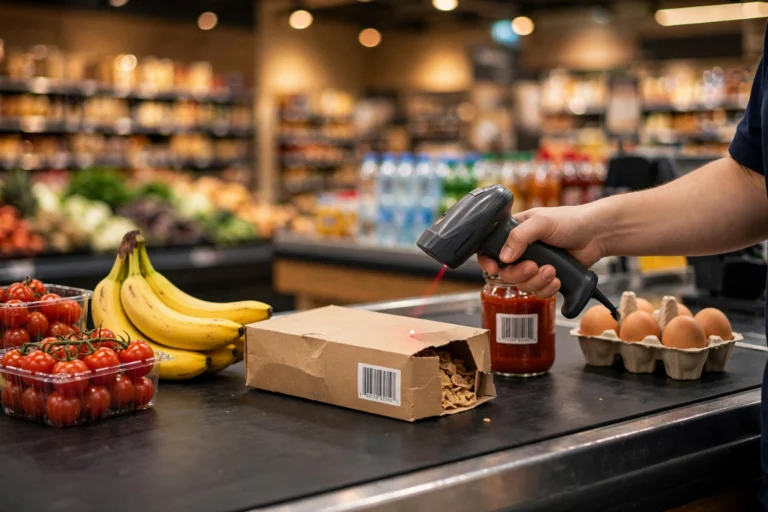
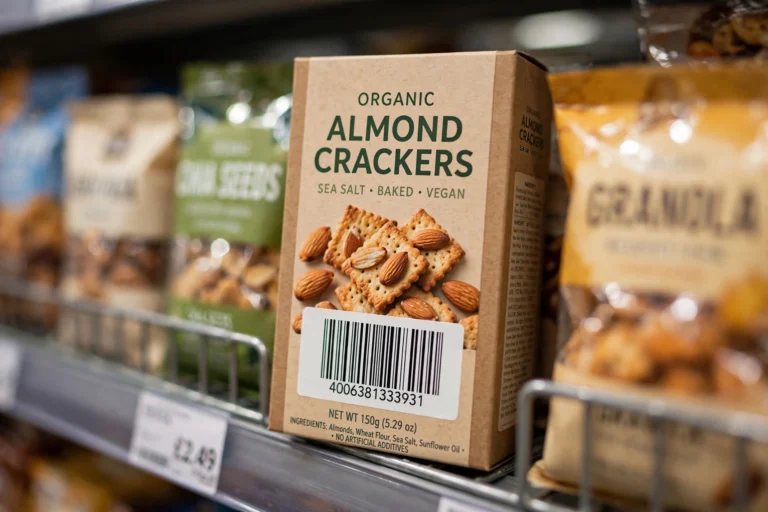
This one is not really a choice. Retailers require GS1 barcodes — EAN-13 outside North America, UPC-A within it — because their entire checkout infrastructure is built on GTINs. If you sell a physical product, you need a proper EAN-13 or UPC code on the package, full stop. Our bulk EAN-13 barcode generator exists precisely for this: generating retail-ready codes for whole product catalogs at once.
Worth knowing: the industry is slowly moving toward accepting 2D codes at checkout too. GS1’s Sunrise 2027 readiness milestone is preparing point-of-sale systems to read QR-style codes carrying GS1 Digital Link data alongside traditional EAN/UPC. For now, though, the 1D code remains mandatory on retail packaging.
barcodes survive the AI self-checkout wave
Inventory, warehousing, and logistics — 1D barcode
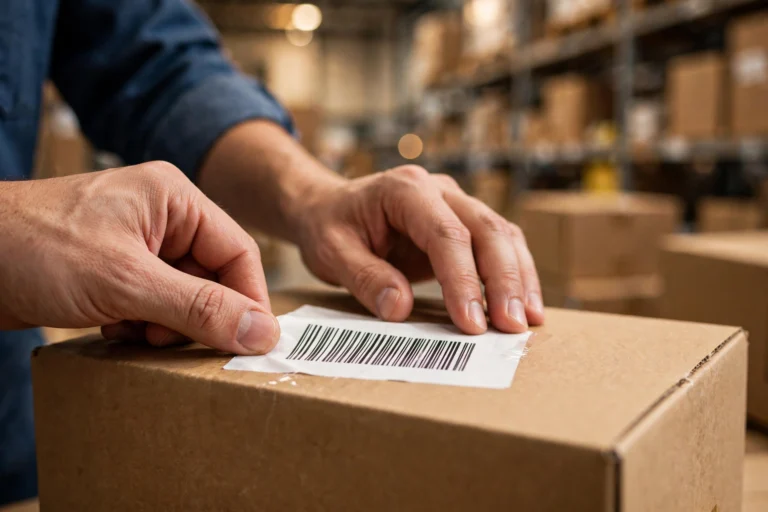
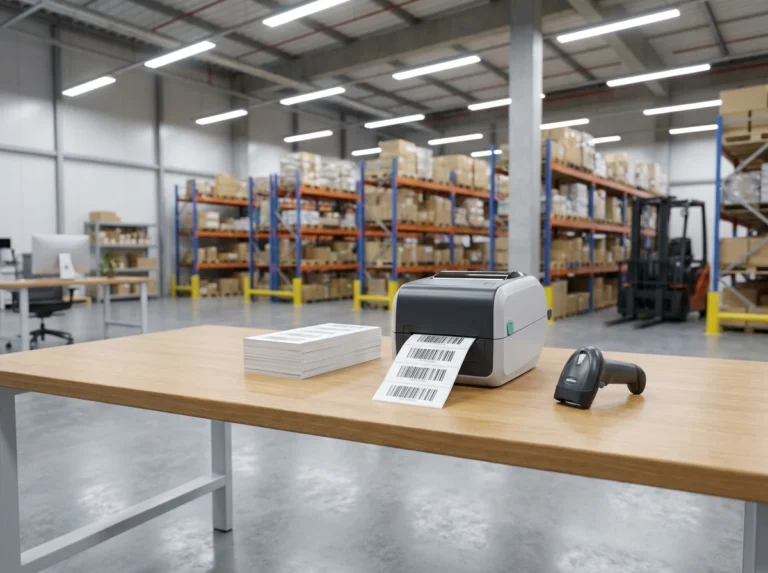
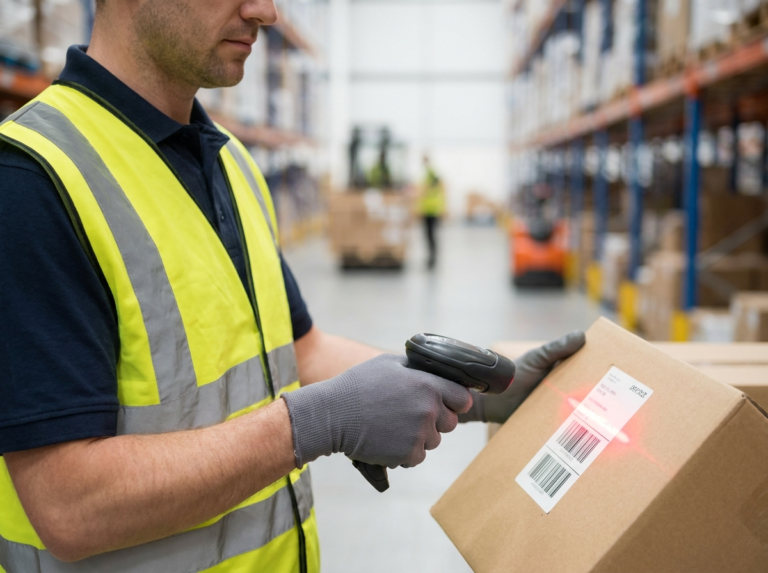
Warehouses prioritize scan distance, speed, and small-label durability. Code 128 labels on bins, pallets, and cartons hit all three: compact, readable by every industrial scanner, and the encoded serial or location ID links straight into the warehouse management system. When a forklift driver needs to scan a pallet from two meters away, a laser scanner and a 1D code are still the most reliable combination.
Customer-facing interactions — QR code
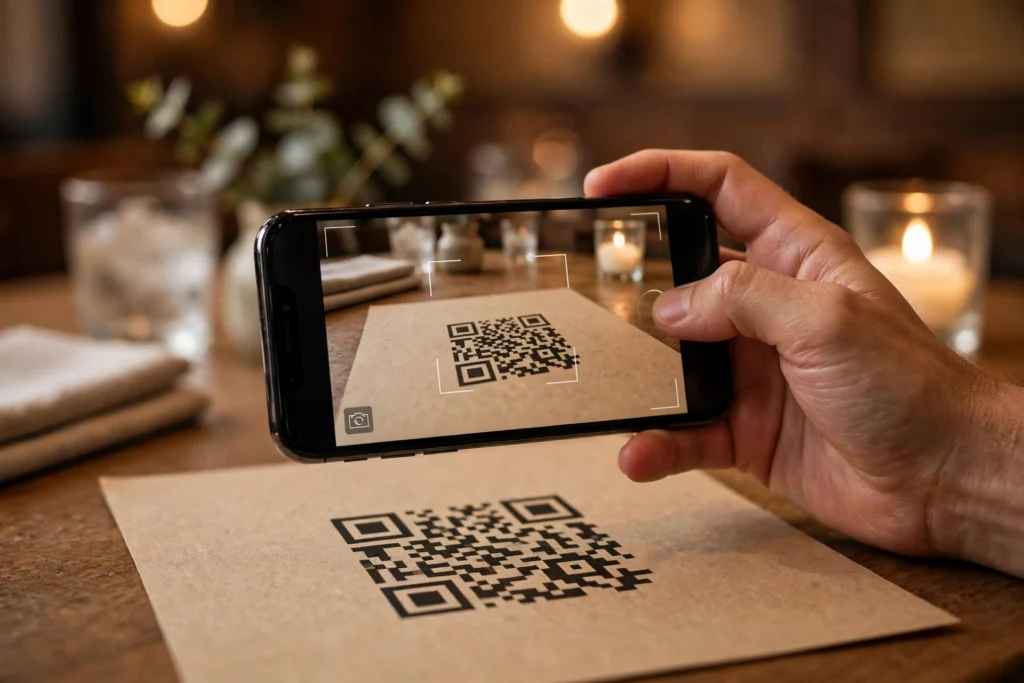
Wherever a human with a phone does the scanning, QR wins: mobile payments, event tickets and boarding passes, restaurant menus, WiFi sharing, vCards on business cards, app download links, and product pages on packaging. No app to install, no careful aiming — point the camera and it just works. For anything you print in bulk for customers, a bulk QR code generator turns a spreadsheet of links into hundreds of print-ready codes in minutes. Many brands now use QR codes with a logo in the center for packaging and campaigns.
Static vs Dynamic QR Codes: The Detail Most Guides Skip
Not all QR codes behave the same after printing — know the difference before you print a thousand of them.
Static QR codes encode the data directly in the pattern: the URL or text literally lives inside the squares. Free to create, never expire, no account needed, unlimited scans. The tradeoff: once printed, the content is frozen — if the URL changes, you reprint. Every code from a free generator, including ours, is static.
Dynamic QR codes encode a short redirect link managed by a service, so you can change the destination later and see scan analytics — but the service is almost always a paid subscription, and if you stop paying, your printed codes can stop working.
For packaging, labels, or equipment you cannot easily reprint, static codes are the safe choice. Dynamic codes earn their keep in marketing campaigns where you want to test destinations or track scans.
The Decision Framework: Which One Does Your Business Need?
Answer these instead of comparing spec sheets:
Choose a 1D barcode when:
- You sell physical products through retailers — EAN-13/UPC is required, not optional.
- Your staff scans with existing laser scanners or checkout hardware.
- You need long-distance scanning (warehouse racks, conveyor belts).
- Labels are tiny and the data is a short ID number.
- The code is a database key — the scanner looks up the real record.
Choose a QR code when:
- Customers scan with their smartphones.
- The code must carry the data itself: a URL, WiFi password, vCard, or instructions.
- The code may get scuffed, folded, or partially obscured.
- It appears in marketing, on tickets, or at events.
- You want one code to work for iPhone and Android with zero setup.
Use both when:
- You ship retail products and want checkout compliance plus customer engagement — EAN-13 for the register, QR for the “scan for manual, recipes, or warranty registration” panel. This dual approach is exactly where the industry is heading.
When in doubt, prototype: print a sheet of each, hand them to the people who will actually scan them, and watch what happens. Ten minutes of real-world testing beats an hour of spec-sheet debate.
Generating Barcodes and QR Codes in Bulk (Without the Busywork)
Creating codes one at a time is fine for five labels and miserable for five hundred. That is the problem a free bulk barcode generator solves: paste your data, get up to 500 print-ready codes in one batch — no signup, no watermark, and everything is processed locally in your browser, so your product lists and URLs are never uploaded to a server.
Bulk 1D barcodes in four steps
- Pick your symbology — Code 128 (including GS1-128) for logistics, EAN-13 for retail, Code 39 for asset tags, plus EAN-8, UPC-A/E, ITF-14, Codabar, MSI, and Pharmacode.
- Enter your data — paste one value per line, import a CSV, or auto-fill sequential numbers.
- Set size and layout — adjust dimensions and choose A4 or Letter label-sheet layouts for sticker printing.
- Download — export as PNG, JPG, SVG, PDF, or everything at once as a ZIP.
Bulk QR codes in four steps
- Open the bulk QR code generator.
- Paste one URL, text, or WiFi/vCard payload per line — or import a CSV.
- Get up to 500 static QR codes, each permanently encoding its own data.
- Download the ZIP and send it straight to print.
Static means what you print is what you get forever: no expiring links, no subscription, no tracking — ideal for packaging and equipment labels.
Frequently Asked Questions
Can a QR code replace the barcode on my retail packaging?
Not for checkout — not yet. Retailers require GS1 EAN-13 or UPC tied to a registered GTIN. Add a QR alongside for customer engagement (manuals, authenticity checks, promotions); the Sunrise 2027 initiative is preparing checkouts for 2D codes too. For now: 1D for the register, QR for the customer.
Can smartphones scan traditional 1D barcodes?
Yes, but it takes a dedicated scanner app — phone cameras do not read 1D barcodes natively the way they read QR codes. If customers are doing the scanning, QR codes remove that friction entirely. If your own staff scans with proper hardware, 1D codes are faster and work at longer distances.
How much data can a QR code hold compared to a barcode?
A QR code holds up to 4,296 alphanumeric characters (or 7,089 numeric digits) — hundreds of times more than a traditional 1D barcode, which typically carries around two dozen characters. That is why QR codes can embed a full URL or contact card while a barcode can only carry an ID number.
Are dynamic QR codes free?
Rarely. Dynamic QR codes route through a redirect service that charges a subscription, and your printed codes depend on that service staying active. Free bulk generators create static QR codes instead: the data is encoded directly, the codes never expire, and there is nothing to pay for. For printed labels and packaging, static is the safer choice.
Do I need special software to print hundreds of barcodes?
No. A browser-based bulk generator plus your regular printer is enough. Generate up to 500 codes per batch, export a PDF laid out for A4 or Letter label sheets, and print on sticker paper. No software to install and no account to create.
Is my data safe when I generate barcodes with an online tool?
It depends on the tool. On this site, all processing happens locally in your browser — your barcode values are never uploaded to or stored on any server. That is worth verifying with any generator you use, especially when your data includes product lists, serial numbers, or internal SKUs. You can read more about how we handle data on our about page, and contact us if you have questions.
Conclusion
Barcodes and QR codes are not rivals — they are tools optimized for different jobs. Traditional 1D barcodes remain unbeatable for retail checkout, warehouse scanning, and anywhere short IDs meet dedicated hardware. QR codes dominate everywhere a smartphone is the scanner: payments, tickets, marketing, and customer self-service.
Most growing businesses end up using both, and that is perfectly fine. What matters is matching the code to the scanner and the use case — then generating them efficiently.
Ready to make yours? Generate up to 500 barcodes or QR codes per batch with our free bulk barcode generator — no signup, no watermark, processed privately in your browser. For QR codes specifically, head straight to the bulk QR code generator and have your first batch downloading in under a minute.
3 Comments