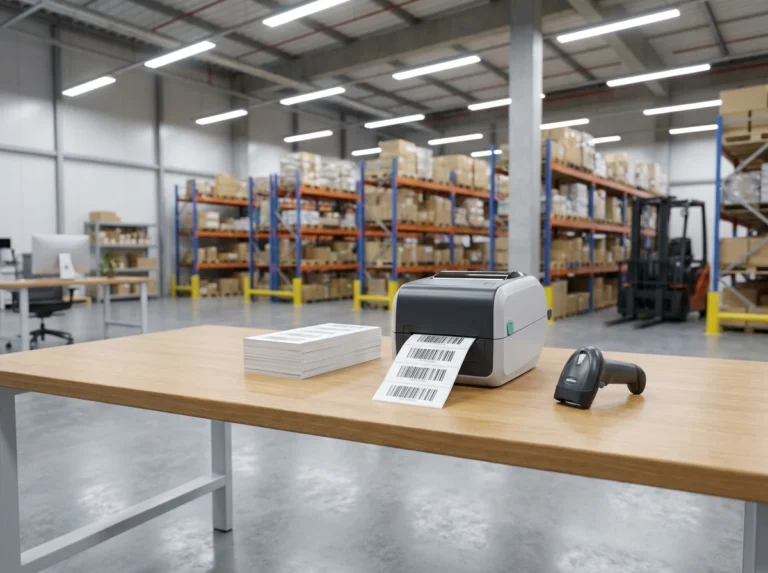
Barcode Not Scanning? 8 Causes and How to Fix Them
Few things disrupt a smooth checkout line, inventory audit, or warehouse shipment quite like a handheld device flashing a red error light instead of a reassuring beep. If you have ever experienced the frustration of a Barcode Not Scanning, you know how quickly a small technology hiccup can grind daily operations to a halt. Whether you are working in retail, logistics, or managing warehouse inventory, scanner malfunctions waste precious time and test your patience. Fortunately, most scanning failures stem from a few predictable issues rather than permanent hardware failure. In this comprehensive guide, we will explore the eight most common reasons why barcode scanners fail to read properly and walk you through effective, actionable solutions to get your equipment working seamlessly again.

1. Dirty or Damaged Scanner Lens
The most frequent culprit behind a malfunctioning reader is physical obstruction on the optical window. Over time, dust, fingerprints, smudges, and adhesive residue accumulate on the scanner glass, scattering the laser beam or blocking the camera sensor from capturing the reflection accurately. Additionally, physical scratches on the lens can permanently distort how light is received.
The Fix: Power down your device and gently wipe the scanner window using a microfiber cloth dampened with a small amount of isopropyl alcohol. Avoid abrasive paper towels that can scratch the delicate plastic or glass surface.
2. Poor Print Quality and Damaged Barcodes
Not all barcodes are created equal. If the barcode itself is faded, smudged, crumpled, or printed with insufficient contrast—such as light gray ink on a beige background—the scanner will struggle to decode the bars and spaces. Tears across the quiet zones (the blank margins surrounding a barcode) will also prevent successful reads.
The Fix: Inspect the physical label. If it is damaged, reprint a fresh, high-contrast label with deep black bars on a clean white background. Ensure your printer toner or ink is not running low.
3. Incorrect Barcode Symbology Settings
Barcode scanners are versatile tools capable of reading dozens of different formats, such as UPC, Code 128, QR codes, and EAN. However, if your scanner has not been programmed to recognize a specific symbology, it will reject the code entirely, treating it as unreadable data even if the physical line is flawless.
The Fix: Consult your scanner’s user manual and scan the configuration barcodes required to enable the specific symbology you are trying to read.
4. Incorrect Scanning Distance and Angle
Every scanner model has a designated reading range and optimal angular tolerance. Holding the device too close causes the laser to concentrate in too tight of a space, while holding it too far away weakens the reflection. Furthermore, holding the scanner at a sharp 90-degree angle can cause specular reflection (glare), bouncing the laser straight back into the sensor and blinding it.
The Fix: Adjust your positioning. Hold the scanner roughly four to ten inches away from the label and tilt it at a slight angle (around 15 to 20 degrees) to eliminate direct glare on glossy surfaces.
5. Low Battery or Insufficient Power Supply
Wireless Bluetooth and handheld radio frequency (RF) scanners rely heavily on consistent battery voltage to power their internal lasers, image sensors, and wireless transmitters. When power drops too low, the laser may appear dim, the processor may lag, or the device may fail to transmit scanned data back to your host terminal.
The Fix: Check your battery indicator lights. Place the scanner back into its charging dock or replace the rechargeable battery packs if they no longer hold a stable charge.
6. Outdated Firmware or Corrupted Drivers
Hardware relies on software to translate physical light signals into digital keystrokes. Outdated firmware on the scanner or corrupted USB/Bluetooth drivers on your computer, tablet, or POS terminal can cause communication breakdowns, resulting in delayed reads or complete failure to transmit data.
The Fix: Visit the manufacturer’s official support website (such as Zebra, Honeywell, or Datalogic), download the latest firmware update utility, and flash your device to the most recent stable version.
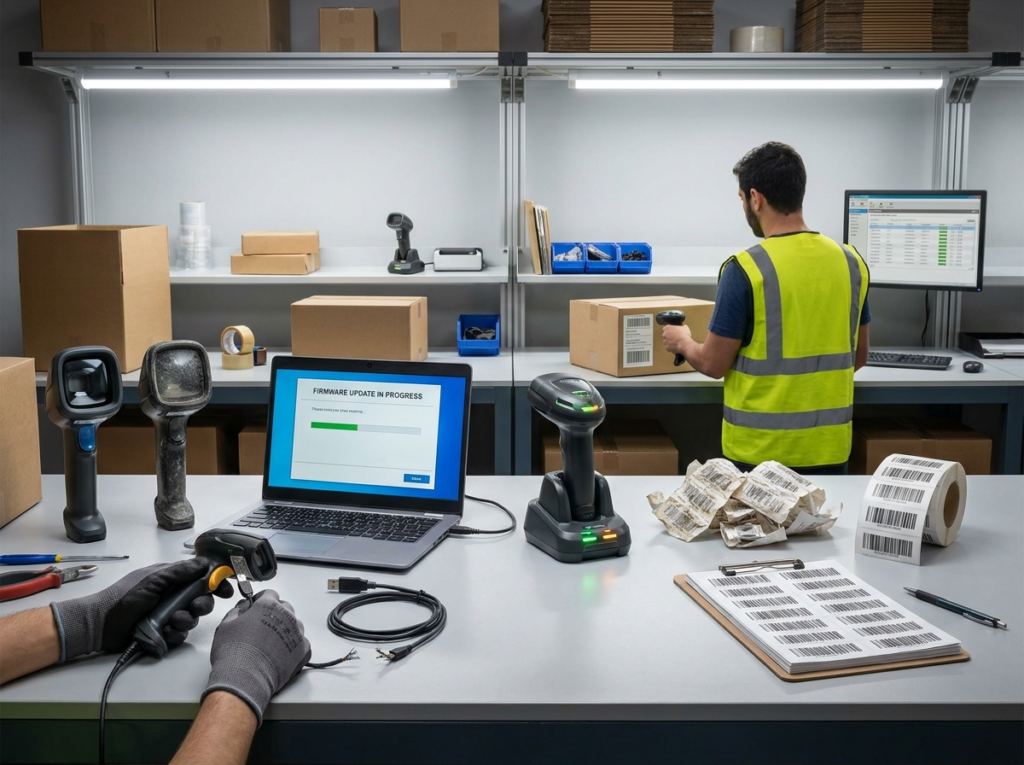
7. Loose or Damaged Connection Cables
For wired USB, serial (RS-232), or keyboard wedge scanners, the physical cable is a frequent point of failure. Constant tugging, bending, and rolling equipment carts over cords can internally snap copper wires or damage the interface pins inside the connector plug, leading to intermittent power and data loss.
The Fix: Unplug the cable from both the scanner and the host computer. Inspect it for visible kinks or cuts. Try swapping it with a known working cable to determine if the cord itself is the source of the problem.
8. Environmental Interference and Lighting Issues
Environmental factors play a massive role, particularly for optical image-based scanners. Extremely dim lighting can prevent the camera from capturing enough detail, while intense direct sunlight or certain types of high-frequency fluorescent lighting can wash out the scanner’s sensor or interfere with infrared beams.
The Fix: Relocate your scanning station away from direct glare or flickering overhead lights. If working in low-light environments, ensure the scanner’s internal illumination LED is enabled and fully functioning.
Conclusion
Dealing with a Barcode Not Scanning issue can be frustrating, but taking a systematic troubleshooting approach helps resolve the problem quickly. By checking the lens cleanliness, verifying label quality, and ensuring correct distances, you can eliminate most everyday disruptions. Regular hardware maintenance and proper staff training will keep your operations running smoothly, minimizing downtime and keeping your workflows efficient.