Code 128 Barcode: The Complete Guide
Code 128 Barcode: The Complete Guide
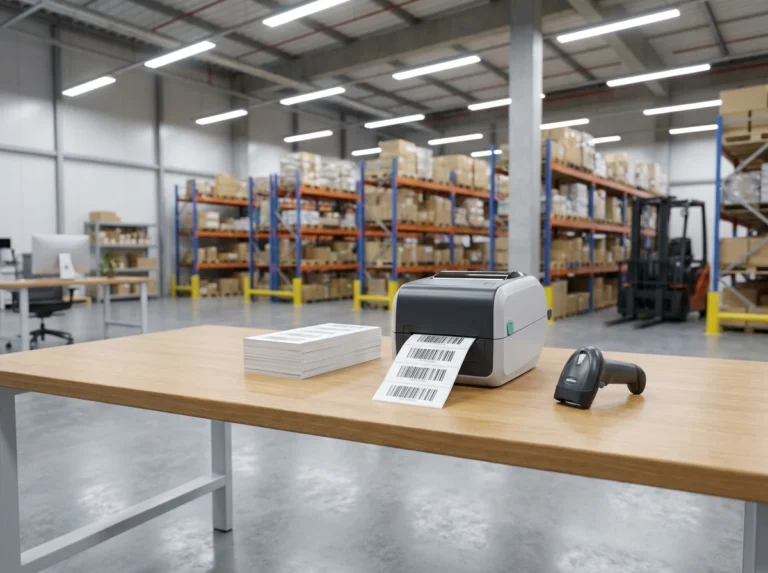
Pick up almost any shipping label, warehouse tote, or hospital specimen bag and you will find the same symbology staring back at you: Code 128. It is the workhorse of modern logistics — compact, reliable, and able to encode the full range of text and numbers your operation needs. Yet most guides either drown you in specification jargon or skip the details that actually matter when you need to print thousands of labels that scan correctly the first time.
This guide covers both sides. You will learn what a Code 128 barcode is, how its three subsets (A, B, and C) work, how the built-in check digit catches errors, what GS1-128 is and when you need it, and how Code 128 compares with older symbologies like Code 39. Finally, you will get a practical walkthrough for generating Code 128 barcodes in bulk — up to 500 at a time, free, right in your browser.
What Is a Code 128 Barcode?
Code 128 is a high-density linear (1D) barcode symbology developed in 1981 by Computer Identics Corporation. Its name comes from its defining feature: it can encode all 128 characters of the ASCII character set, including uppercase and lowercase letters, digits, punctuation, and control characters.
A Code 128 symbol is built from bars and spaces of varying widths. Every symbol follows the same anatomy:
- A start character that tells the scanner which subset (A, B, or C) the data begins in.
- The data characters themselves, each encoded as a pattern of three bars and three spaces.
- A mandatory check character, calculated from the data, that lets the scanner detect misreads.
- A stop character that marks the end of the symbol.
- Quiet zones — blank margins on both sides, at least ten times the width of the narrowest bar — that give the scanner a clean reference point.
Because the check character is mandatory (not optional, as in some older symbologies), Code 128 has excellent data integrity. A scanner will reject a symbol whose check digit does not match rather than silently returning wrong data — a property that matters enormously when a misread label can send a pallet to the wrong continent.
The Three Code 128 Subsets: A, B and C
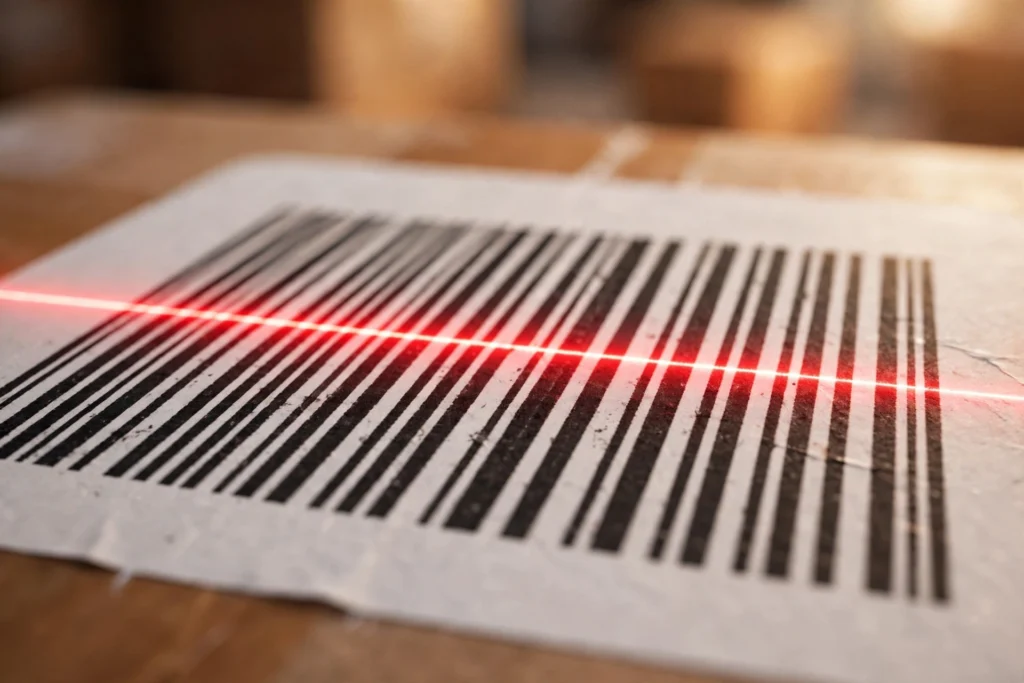
One of the most misunderstood aspects of Code 128 is that it is really three closely related symbologies sharing one framework. The start character selects the subset, and special switch characters allow you to change subsets mid-symbol when that saves space.
Code 128A
Subset A encodes uppercase letters (A–Z), digits (0–9), common punctuation, and ASCII control characters (such as tab and carriage return). It is the right choice when your data is uppercase text mixed with numbers, or when you need to embed control characters — for example, in certain industrial and legacy system labels.
Code 128B
Subset B is the most commonly used subset. It encodes uppercase and lowercase letters, digits, and punctuation — essentially the printable ASCII characters you type every day. If your data looks like Widget-XL-2026 or a serial number with mixed case, Code 128B is what you want. When people say “a Code 128 barcode” without qualification, they usually mean Code 128B.
Code 128C
Subset C is the density champion. Instead of encoding one character per symbol, it encodes pairs of digits (00–99) in each symbol — effectively doubling the data density for purely numeric data. A 12-digit number needs only six symbols in Code 128C versus twelve in subsets A or B, producing a dramatically shorter barcode.
This is why Code 128C dominates applications like shipping container numbers, parcel tracking IDs, and numeric serial numbers: the resulting label is shorter, which means it fits on smaller labels and scans more reliably at a distance.
Switching Subsets Mid-Barcode
You are not locked into one subset per barcode. Code 128 defines switch characters (CODE A, CODE B, CODE C) and a SHIFT character that temporarily switches subsets for a single character. Good barcode software does this automatically: it analyses your data and picks the most compact encoding, for instance starting in subset B for an alphanumeric prefix and switching to subset C for a long numeric run. You never need to manage this by hand — but knowing it exists explains why two barcodes holding similar data can come out at different lengths.
Character Set and Density
To summarise the encoding capacity:
- Code 128A: ASCII 00–95 (uppercase, digits, punctuation, control codes)
- Code 128B: ASCII 32–127 (upper and lowercase, digits, punctuation)
- Code 128C: digit pairs 00–99, two digits per symbol
In terms of density, Code 128 is among the most compact linear symbologies ever standardised. For numeric data, subset C is roughly twice as dense as subsets A and B, and far denser than older symbologies. For mixed alphanumeric data, subset B still packs significantly more characters per centimetre than Code 39, its main historical rival. Higher density means shorter barcodes, and shorter barcodes mean smaller labels, less wasted label stock, and easier scanning.
The Check Digit: How Modulo-103 Error Detection Works
Every Code 128 barcode carries a check character computed with a modulo-103 algorithm. Here is exactly how it works:
- Each character in the symbol (including the start character) has a numeric value from 0 to 102. The start characters have the values 103 (A), 104 (B), and 105 (C).
- Take the start character’s value as-is.
- For each data character, multiply its value by its position in the data (the first data character counts as position 1, the second as position 2, and so on) and add the results together.
- Divide the total by 103 and keep the remainder. That remainder (0–102) is the value of the check character, which is inserted just before the stop character.
A worked example makes this concrete. Suppose we encode the text Hi in Code 128B:
- Start B has the value 104.
Hhas the value 40 (position 1): 40 × 1 = 40.ihas the value 73 (position 2): 73 × 2 = 146.- Total: 104 + 40 + 146 = 290.
- 290 ÷ 103 = 2 remainder 84.
- The check character is the symbol with value 84, placed before the stop character.
When a scanner reads the barcode, it repeats this calculation on the data it decoded. If its result does not match the check character printed in the symbol, the scan is rejected instead of returning corrupt data. Because the weighting depends on character position, the algorithm catches not only wrong characters but also transposed ones — the two most common printing and scanning faults.
GS1-128: Code 128 for the Supply Chain
You will often see the name GS1-128 (previously called UCC/EAN-128) on shipping and logistics specifications. GS1-128 is not a different symbology — it is Code 128 with one strict rule: the special FNC1 character appears immediately after the start character. That single marker tells the scanner “this barcode follows GS1 rules,” and the data is then structured using GS1 Application Identifiers (AIs) — standardised prefixes like (01) for the GTIN product code or (10) for a batch number.
If a retailer, distributor, or logistics partner asks for “GS1-128 labels,” they want Code 128 barcodes with the FNC1 marker and AI-structured data. Our free bulk barcode generator supports GS1-128 alongside standard Code 128, so you can produce compliant shipping labels in the same bulk workflow. (For pure retail point-of-sale products, by contrast, you would normally use EAN-13 — see our bulk EAN-13 barcode generator.)
Where Code 128 Is Used
Code 128 earned its dominance by being the right answer in an unusually wide range of industries:
- Logistics and shipping: parcel tracking numbers, SSCC pallet labels, and carrier routing labels are overwhelmingly Code 128 (usually GS1-128).
- Warehousing and inventory: bin labels, tote IDs, and pick tickets, where compact numeric encoding (subset C) keeps labels small.
- Healthcare: specimen and pharmacy labels, where the mandatory check digit guards against dangerous misreads. (Blood products use a specialised variant, ISBT 128.)
- Manufacturing and automotive: serial numbers, work-order tracking, and component labels that mix letters and numbers.
- Retail back-office: price markdown and internal stock labels — anything not scanned at the checkout, where EAN/UPC rules apply.
The common thread: anywhere you control both the printing and the scanning, Code 128’s density and reliability make it the default choice.
Code 128 vs. Code 39: Which Should You Choose?
Code 39 is the older symbology Code 128 is most often compared with. Here is an honest side-by-side:
| Feature | Code 128 | Code 39 |
|---|---|---|
| Character set | Full ASCII (128 characters) | 43 characters (uppercase, digits, a few symbols — no lowercase) |
| Density | Very high; subset C encodes 2 digits per symbol | Low — barcodes are noticeably longer for the same data |
| Check digit | Mandatory (modulo 103) | Optional (modulo 43) |
| Lowercase letters | Yes (subset B) | No |
| Typical uses | Logistics, warehousing, healthcare, GS1 supply chain | Legacy industrial labels, automotive, government |
The practical rule: choose Code 128 for any new project. It encodes more data in less space, handles lowercase text, and its mandatory check digit makes misreads far less likely. Choose Code 39 only when an existing system or partner explicitly requires it — for example, some legacy warehouse scanners or defence logistics workflows are standardised on Code 39 and cannot be changed.
If you do need Code 39, the same bulk workflow on our site generates it too — along with ITF-14, Codabar, MSI, Pharmacode, and QR codes in bulk.
How to Generate Code 128 Barcodes in Bulk (Step by Step)
Manually creating hundreds of barcodes one at a time is slow and error-prone. A bulk generator produces the whole batch in seconds. Here is the exact workflow using our free bulk barcode generator:
Step 1 — Choose Code 128 as the symbology
Open the generator and select Code 128 from the barcode type dropdown. If your labels need GS1 supply-chain compliance, choose the GS1-128 variant instead — the FNC1 marker is applied automatically.
Step 2 — Enter your data (three ways)
- Paste a list: type or paste one value per line — for example, 500 serial numbers copied from a spreadsheet.
- Import a CSV: upload a CSV file and the values are pulled in automatically, ideal for data exported from your ERP or inventory system.
- Auto-fill sequential numbers: enter a starting number and let the tool generate the sequence (e.g., 10001, 10002, 10003…) — perfect for serialised labels.
The tool accepts up to 500 entries per batch, and everything is processed locally in your browser, so your data is never uploaded to any server.
Step 3 — Customise the appearance
Adjust the barcode width, height, and margins, show or hide the human-readable text beneath the bars, and pick fonts and colours that match your label design. For printed labels, keep the quiet zones intact and avoid shrinking the barcode below what your scanner can read.
Step 4 — Download your barcodes
Export the batch as PNG or JPG for documents, SVG for razor-sharp print work, or a multi-page PDF laid out on A4 or Letter label sheets with grid and custom-spacing options. Need everything at once? Download the whole batch as a single ZIP archive. No signup, no watermark, no fees.
Step 5 — Print and verify
Print a test sheet first and scan several barcodes with the actual scanner hardware you will use in production — not just a phone camera. Check quiet zones, contrast (dark bars on a light background), and that sequential numbers incremented correctly. Then print the full run.
Tips for Barcodes That Scan First Time, Every Time
- Respect the quiet zones. Do not let text, borders, or neighbouring labels encroach on the blank margins — scanners need them.
- Use subset C for long numbers. If your data is purely numeric, Code 128C produces a much shorter, more reliable barcode.
- Print at adequate resolution. Thermal transfer or laser printing at 300 DPI or above gives crisp edges; low-resolution inkjet on glossy stock is a classic failure mode.
- Mind the contrast. Black bars on white or pale labels scan best. Red bars on white can fail because many laser scanners use red light.
- Test with real hardware. The scanner on the warehouse floor is the only judge that matters.
Frequently Asked Questions
What is a Code 128 barcode used for?
Code 128 is a high-density linear barcode used mainly in logistics, warehousing, healthcare, and manufacturing — anywhere compact, reliable machine-readable labels are needed. Parcel tracking numbers, pallet SSCC labels, inventory bin labels, and specimen tags are all typical Code 128 applications.
What is the difference between Code 128A, 128B, and 128C?
The three subsets encode different character ranges. Subset A handles uppercase letters, digits, punctuation, and control characters; subset B adds lowercase letters and is the most widely used; subset C encodes pairs of digits (00–99) per symbol, giving double density for numeric data. Barcode software usually selects and switches between subsets automatically for the most compact result.
How does the Code 128 check digit work?
Code 128 uses a mandatory modulo-103 check character. Each character’s value is multiplied by its position, the start character’s value is added, and the total is divided by 103 — the remainder becomes the check character. The scanner repeats this math on every read and rejects the scan if the values disagree, which catches misprints and misreads.
What is GS1-128, and is it the same as Code 128?
GS1-128 (formerly UCC/EAN-128) is Code 128 with an FNC1 character placed right after the start character, signalling that the data follows GS1 Application Identifier rules. It is the standard for supply-chain shipping labels. If a logistics partner requests GS1-128, generate Code 128 with the FNC1/GS1 option enabled.
Can I generate Code 128 barcodes in bulk for free?
Yes. Our free bulk barcode generator creates up to 500 Code 128 barcodes per batch at no cost — paste a list, import a CSV, or auto-fill sequential numbers, then download as PNG, JPG, SVG, PDF, or ZIP. No signup and no watermark, and your data never leaves your browser.
Code 128 vs QR code — which should I use?
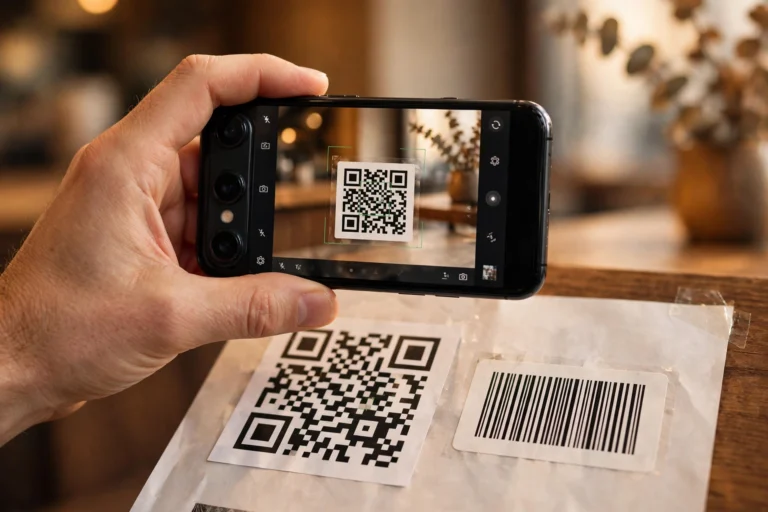
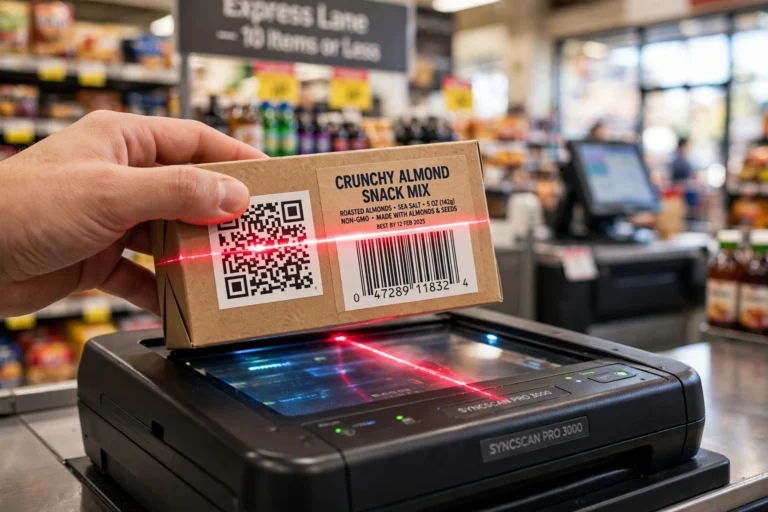
Use Code 128 when a laser scanner or existing logistics system needs a compact linear barcode (tracking numbers, inventory labels). Use QR codes when you need to store more data — URLs, vCards, or long text — or when customers will scan with smartphones. You can generate both in bulk: Code 128 on our bulk barcode generator and QR codes on our bulk QR code generator.
Conclusion
Code 128 became the backbone of global logistics for good reasons: it packs the full ASCII set into a compact symbol, its three subsets adapt to any data mix, and its mandatory mod-103 check digit means scanners reject bad reads instead of acting on them. Whether you need GS1-128 shipping labels, dense numeric serial numbers via subset C, or everyday mixed-case asset tags via subset B, it remains the safest default for any new labelling project.
Ready to put it to work? Generate up to 500 Code 128 barcodes in seconds with our free bulk barcode generator — no signup, no watermark,
and your data stays in your browser. Want to know more about what we are building? Visit our About page, or contact us with feature requests
— we read every message.